
Reopening
History lists every closed or deleted session. Two keys bring one back.
| Key | |
|---|---|
R, ↩ |
Reopen: resume the agent's session, and recreate the worktree from its branch if heed removed it |
O |
Start a new session from this prompt (Starting again) |
R also works on a ledger entry or a dashboard PR whose session is still in History. When the session is not in
History, heed says so and does nothing.
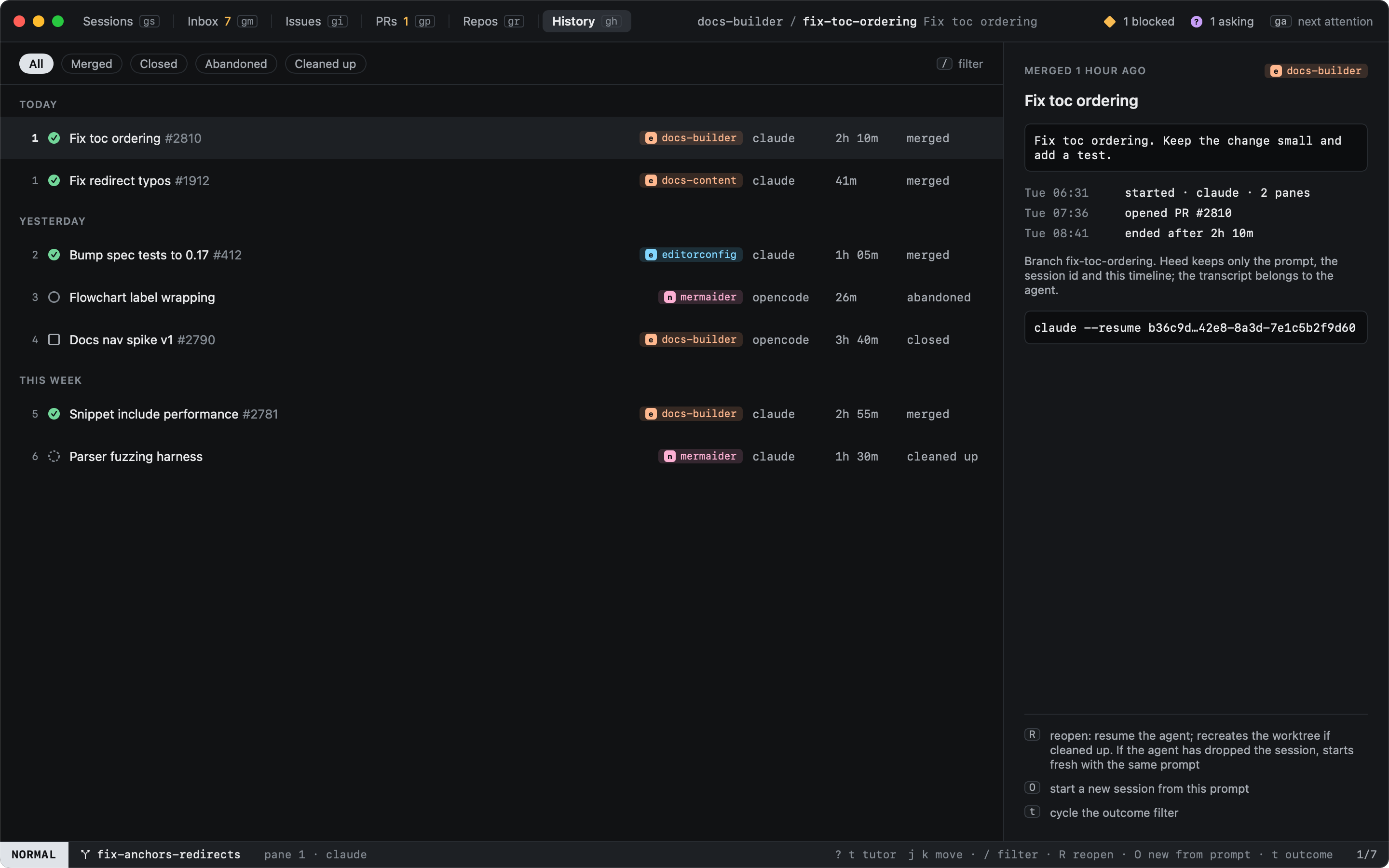
Reopening moves the session out of History and back into Sessions, with the same title, branch and prompt. The agent pane starts in the worktree:
- The agent still has the session. heed resumes it with the agent's own resume command. The timeline says
reopened. - The agent no longer has the session. heed starts the agent fresh with the same prompt. The timeline says
reopened · started fresh. - The agent is not configured any more. heed opens a shell. The timeline says
reopened · shell only.
The session comes back idle and unparked. The shell split from your options opens beside the agent.
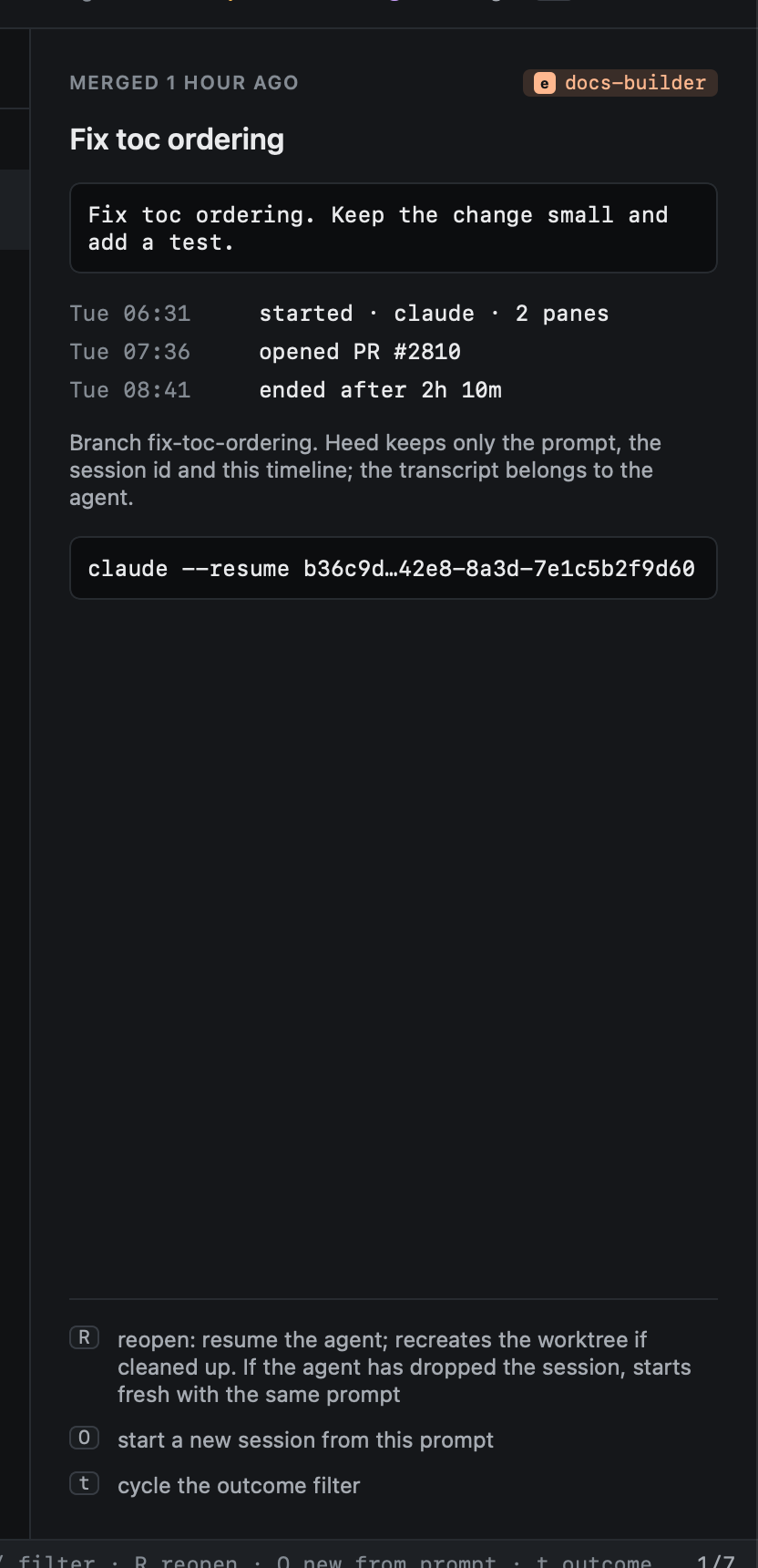
The detail pane shows the session's prompt, its timeline and the command that resumes the agent.
When the worktree was removed, reopening makes it again where new worktrees go. A session on a host gets its worktree on
that host, under its worktree_root. heed picks the first source that exists:
- The local branch, when it is still there.
- What heed saved when it removed the worktree. heed makes the branch again at
heed/archive/<branch>, and puts back the uncommitted changes saved with it, still uncommitted. - The branch on
origin.
The session's timeline says which source heed used: worktree recreated from heed/archive/old-spike, and
uncommitted changes put back from the archive. A worktree made again runs the repo's setup
before the agent starts, as a new session's worktree does.
A chat reopens in its folder. heed makes a scratch folder it removed again, empty. A folder you picked that is gone stays gone, and reopening says so, because heed never makes or removes those.