
Updates
Heed updates itself. Once a day it reads the list of releases on GitHub (an appcast attached to the latest
release), and when there is a newer version it shows what changed since the version you have, release by release,
and offers to install it. Installing replaces the
app and opens it again. :update, or Heed › Check for Updates…, looks right away.
Panes keep running through an update only with persistent panes; without them, updating is quitting.
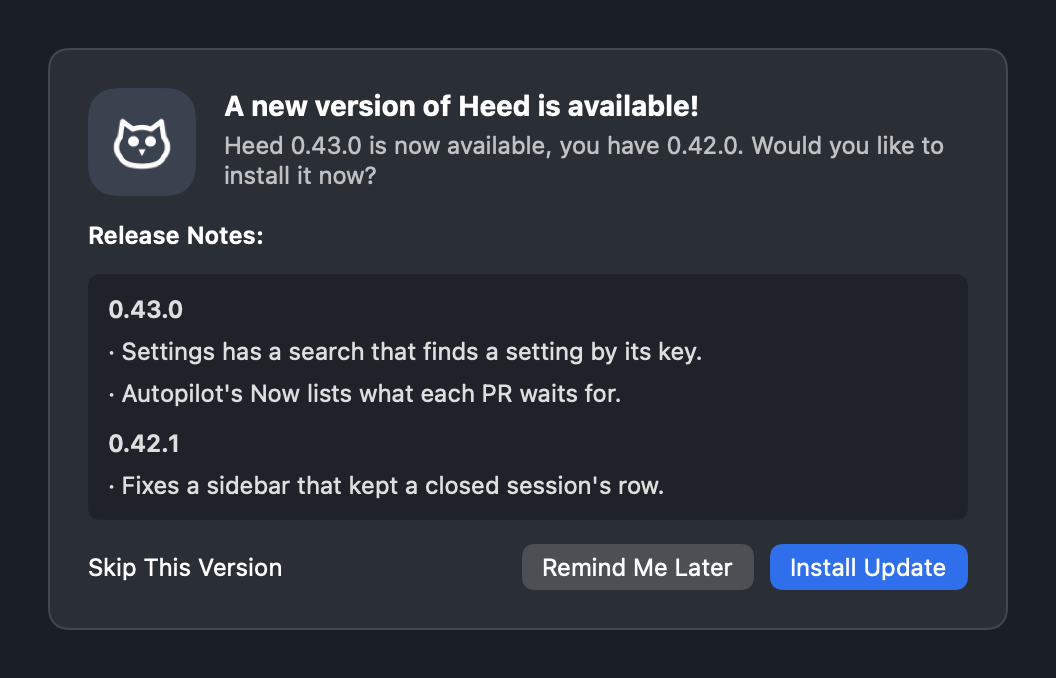
An update is installed only if all of these hold:
- the appcast itself is signed with Heed's update key;
- the download is signed with the same key (an EdDSA signature in the appcast), checked before it is unpacked;
- the app inside is signed with Heed's Developer ID and notarized by Apple, as every release is.
A changed file on GitHub, or anything between you and it, fails the first two checks and nothing is installed. Heed uses Sparkle for all of this, the updater most Mac apps outside the App Store use.
[updates]
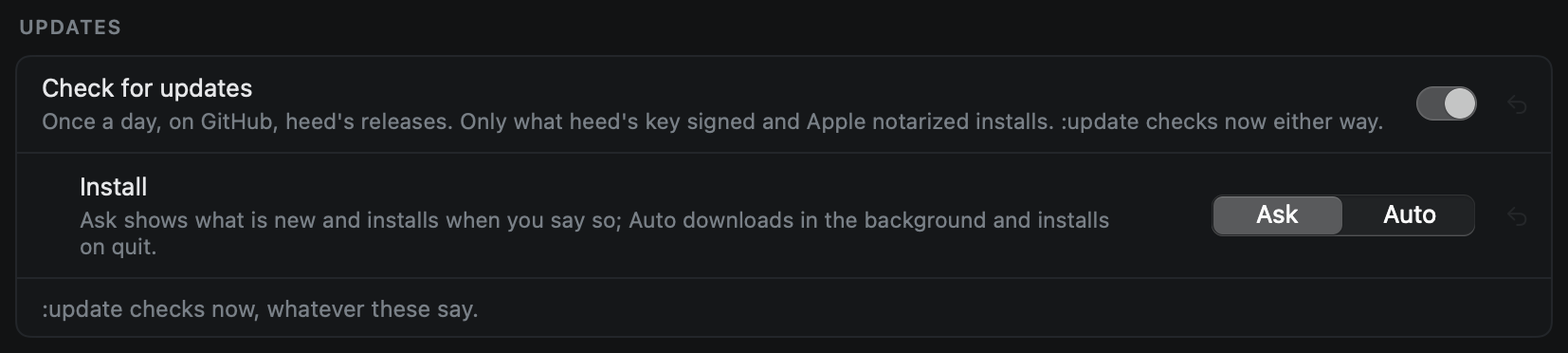
check = true
install = "ask"
- look for a new version once a day
- ask | auto
check = false: Heed never looks on its own.:updatestill does.install = "auto": a new version downloads in the background and is installed when you quit Heed.
Settings › Updates sets both.
After an update, the first time you open heed it shows New in heed X: the features and new settings since the version you had. See What's new and nudges.
The cask says Heed updates itself, so brew upgrade leaves it alone; brew upgrade --greedy heed still upgrades it
through Homebrew. Either way works.
A build from source (mise run bundle) never checks for updates, and :update says so: only release builds carry
the update key.