Reading the screen
For states an agent cannot report (all of them, for gemini), Heed reads the last lines of its terminal once a second and matches them against patterns: "Do you want to proceed?" means blocked, "esc to interrupt" means working, and so on.
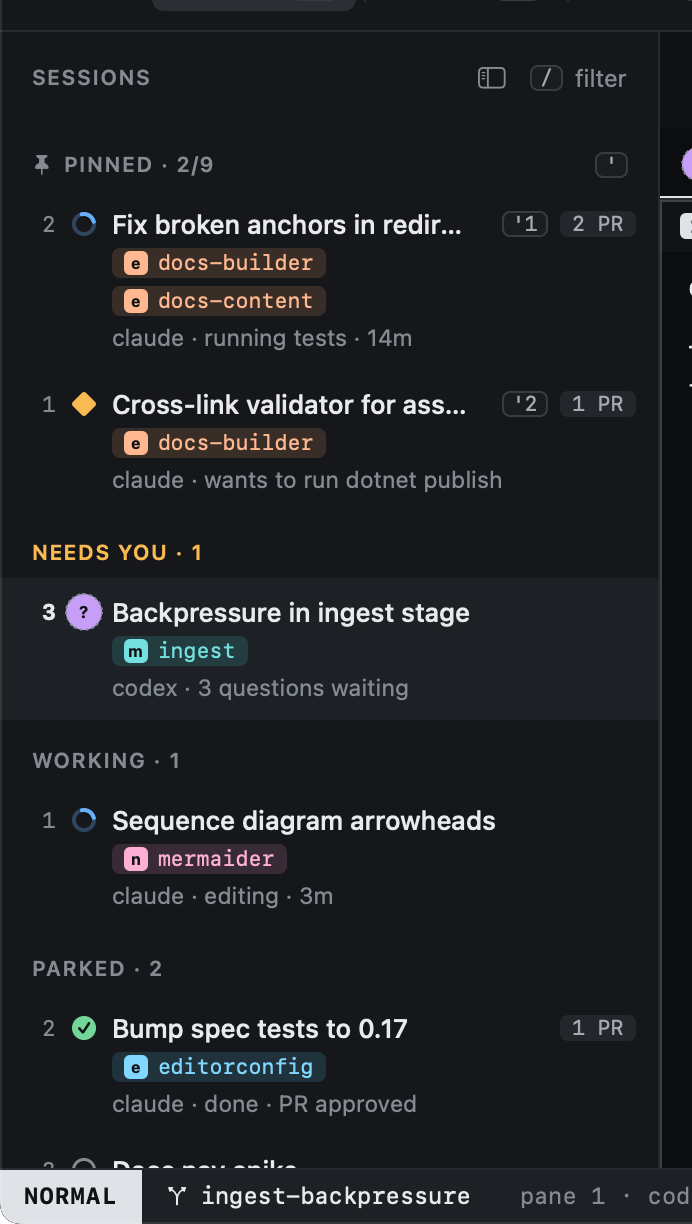
A guessed state is drawn with a dotted ring. A reported state always wins: a guess never overrides what the agent said.
Built-in patterns cover what most agent interfaces show:
| State | Matches, for example |
|---|---|
| limited | "rate limit", "usage limit", "429", "quota exceeded" |
| blocked | "Do you want to proceed", "Allow once", "[y/n]", "permission required" |
| asking | "answer the questions", "select an option" |
| working | "esc to interrupt", "ctrl+c to cancel" |
An agent's own patterns replace the built-in ones for a state:
[agents.mytool.patterns]
blocked = "Allow this\\?"
working = "Thinking"
Patterns are regular expressions, checked in the order limited, blocked, asking, working, idle.