The first run
The first time it opens, Heed shows what it found. It checks again every few seconds while the screen is open, so
signing in to gh or installing an agent in another terminal shows up without a restart.
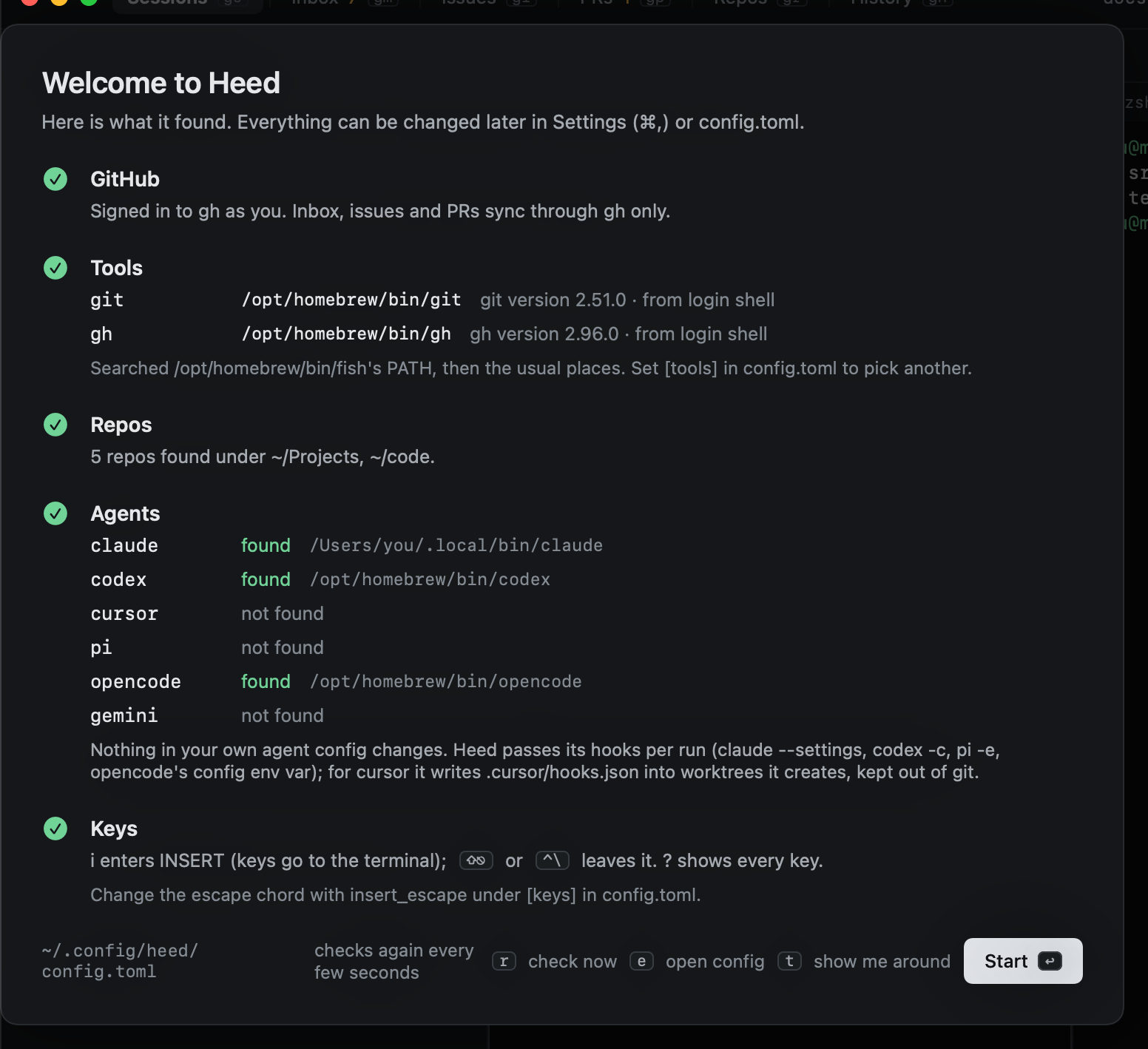
- GitHub: whether
ghis signed in. Heed talks to GitHub only throughgh; it never asks for a token. - Tools: where
gitandghare, found through your login shell's PATH and the usual install locations. See Finding git and gh. - Repos: the repositories under
~/Projectsand~/code(change them withrepo_roots). - Agents: which of claude, codex, cursor, pi, opencode and gemini are installed.
Nothing in your own agent configuration changes: Heed passes its hooks to each agent per run. See Hooks.
| Key | |
|---|---|
↩ |
Start using Heed |
t |
Show me around: the tutor's global tour |
r |
Check again now |
e |
Open config.toml |
:welcome shows this screen again later.
Everything lives in ~/.config/heed/config.toml, written with comments the first time Heed opens. Saving it applies
the change right away. Settings (⌘,) edits the same file, except key bindings, which live only in the file. See
Configuration.