Issues
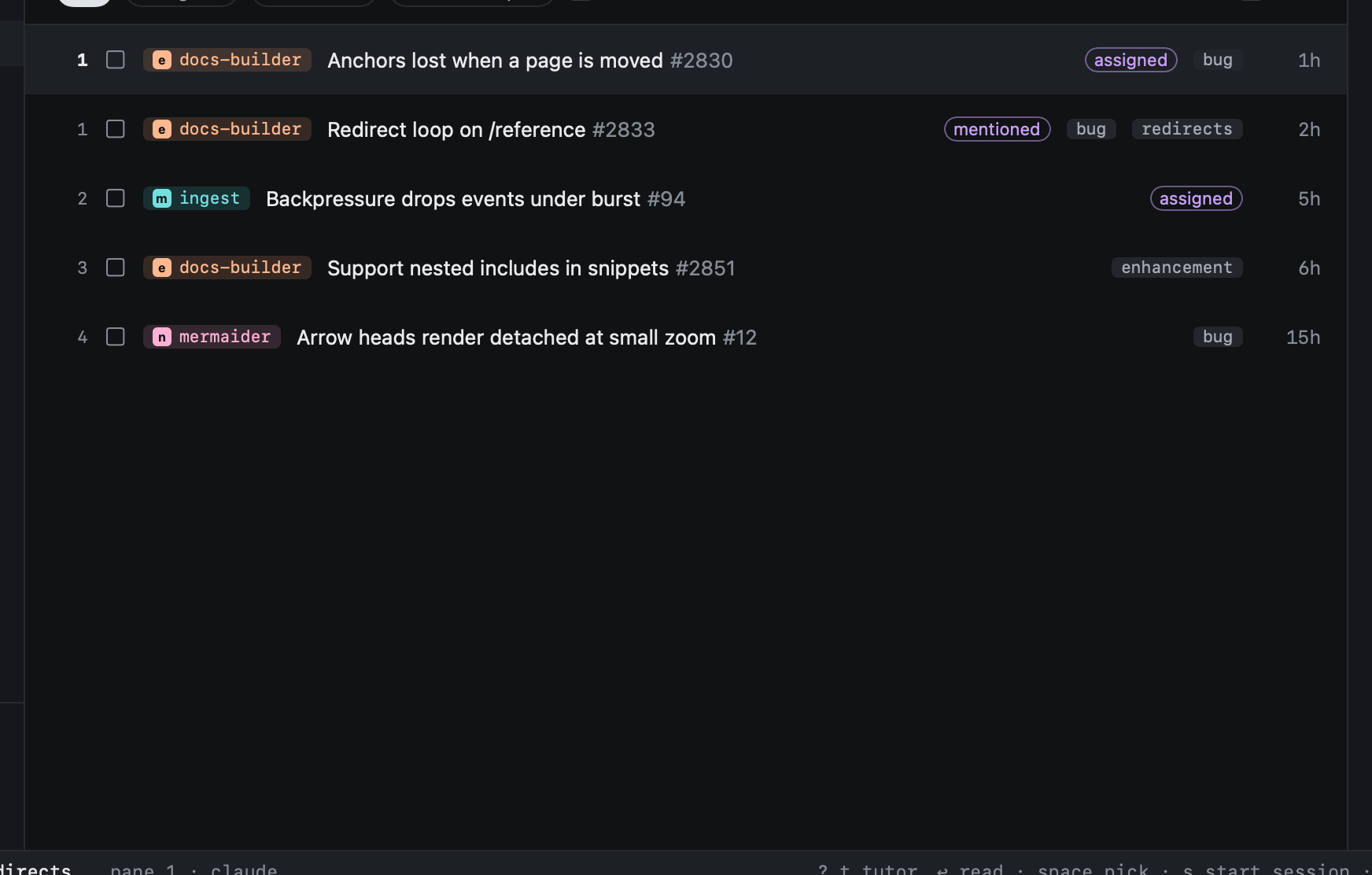
gi shows open issues: those assigned to you or mentioning you, everywhere, plus every open issue in the repos you
choose to watch.
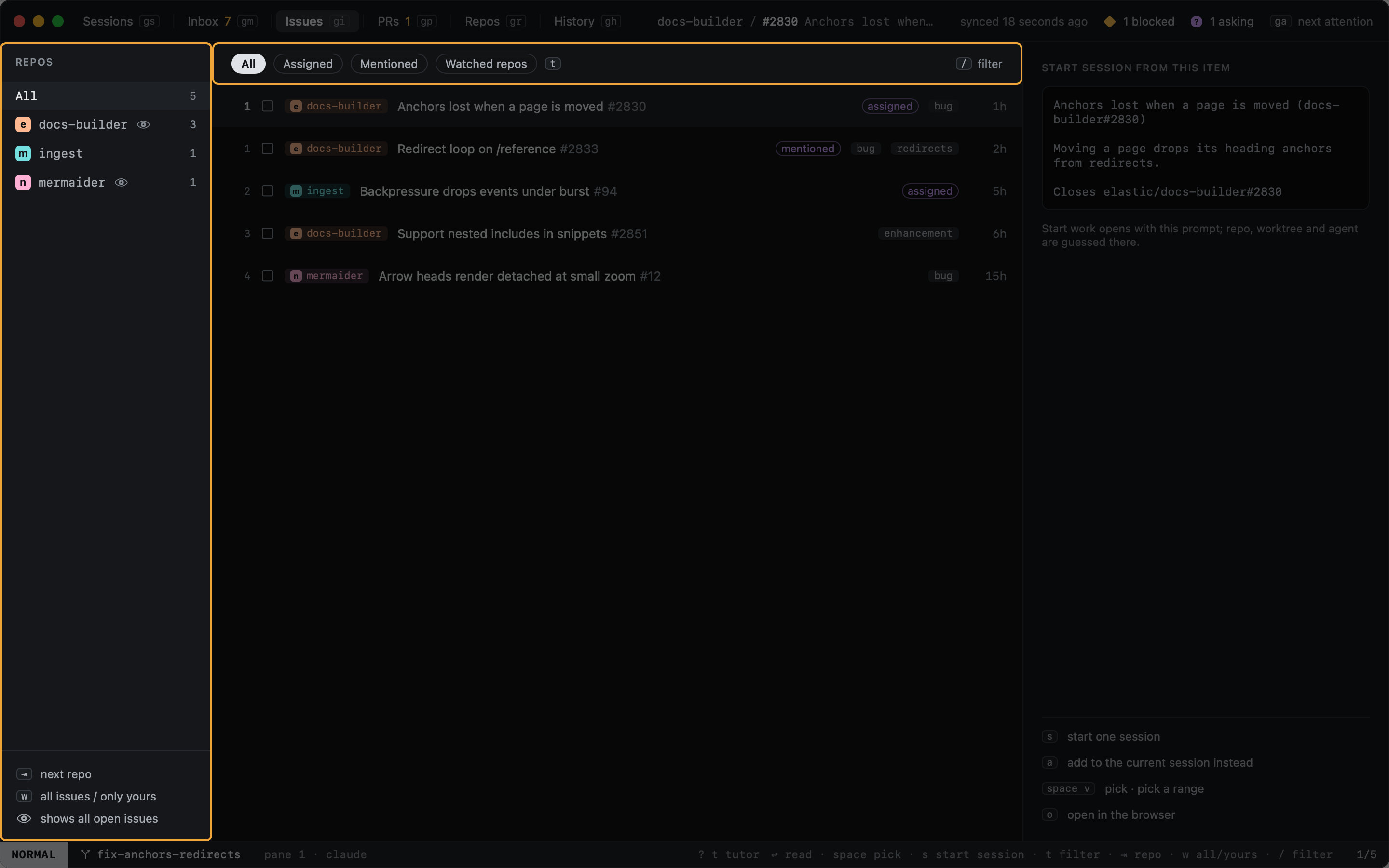
For each repo, the Issues view shows either every open issue or only those involving you. An eye in the repo column marks repos showing all of them.
won an issue flips its repo between the two (wdoes the same in Repos).- Set it per org or per repo in
config.toml; the most specific setting wins:
[issues]
default = "involved"

[orgs.nullean]
issues = "all"

[repos."nullean/noisy"]
issues = "involved"
- only issues assigned to you or mentioning you
- every open issue in this org's repos
- except this one
Settings (⌘,) sets the default and each org.
Chip (t cycles) |
Shows |
|---|---|
| All | Everything shown |
| Assigned | Assigned to you |
| Mentioned | Mentioning you |
| Watched repos | Shown only because their repo shows all issues |
⇥ and ⇧⇥ move through the repo column; clicking a repo works too. Issues take the same keys as the
Inbox: space, s, a, go.