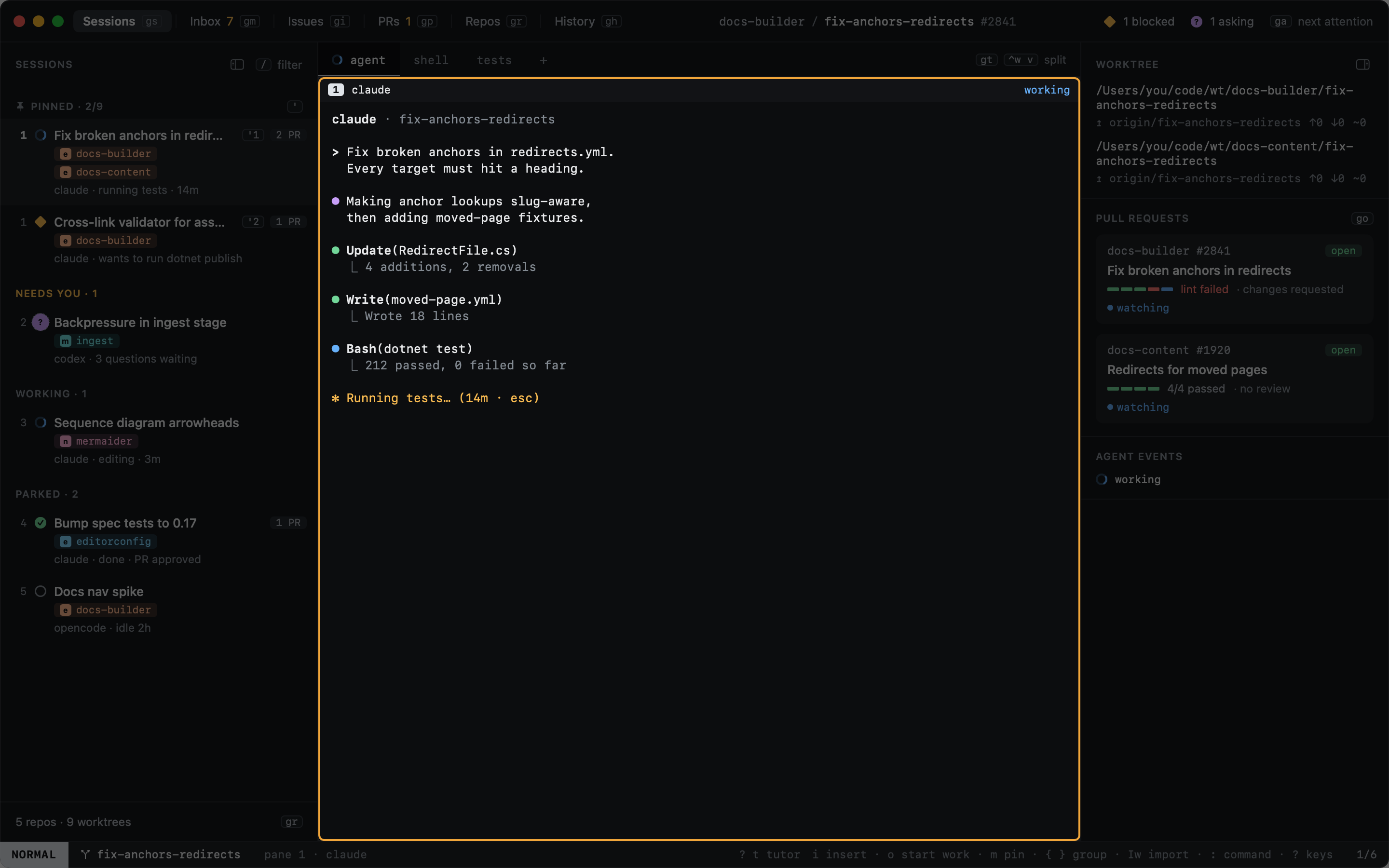
Panes and tabs
A session's terminals are panes, arranged in tabs. Pane keys start with ⌃w, as in vim.
| Key | |
|---|---|
⌃w v |
Split right |
⌃w s |
Split below |
⌃w h ⌃w j ⌃w k ⌃w l |
Focus the pane left, below, above, right (h and l alone work too) |
⌃w z |
Zoom the focused pane (again to unzoom) |
⌃w q |
Close the focused pane; the agent's pane asks first |
gt / gT |
Next / previous tab |
gn |
New tab with a shell |
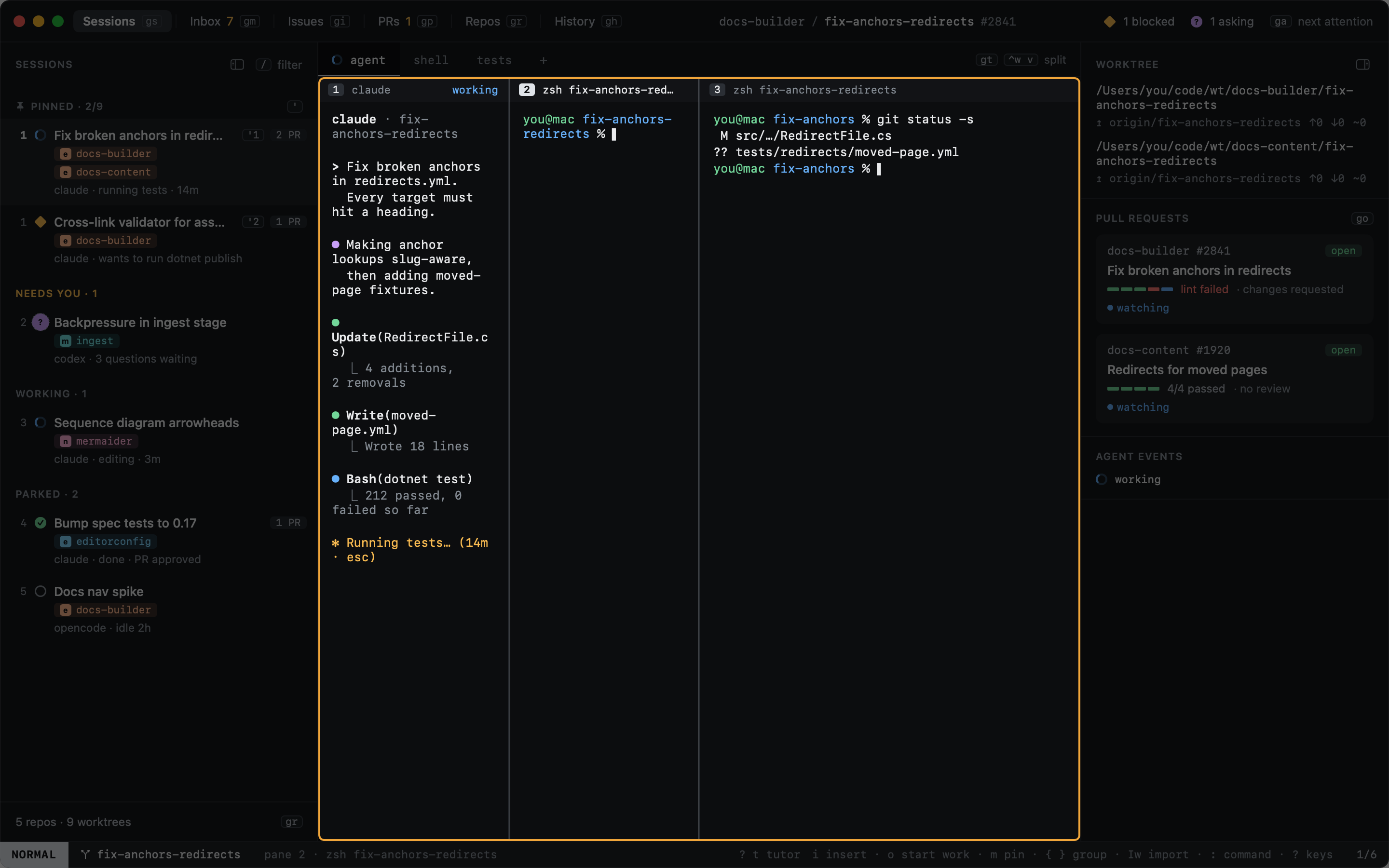

New sessions open with the agent alone; set shell_split = true under [sessions] for a shell beside it.
Pinned tasks open as tabs in new sessions, one each, running their command. The tab's glyph shows the last run: done when it passed, a red square when it failed.
[repos."elastic/docs-builder".tasks]
test = "dotnet test"