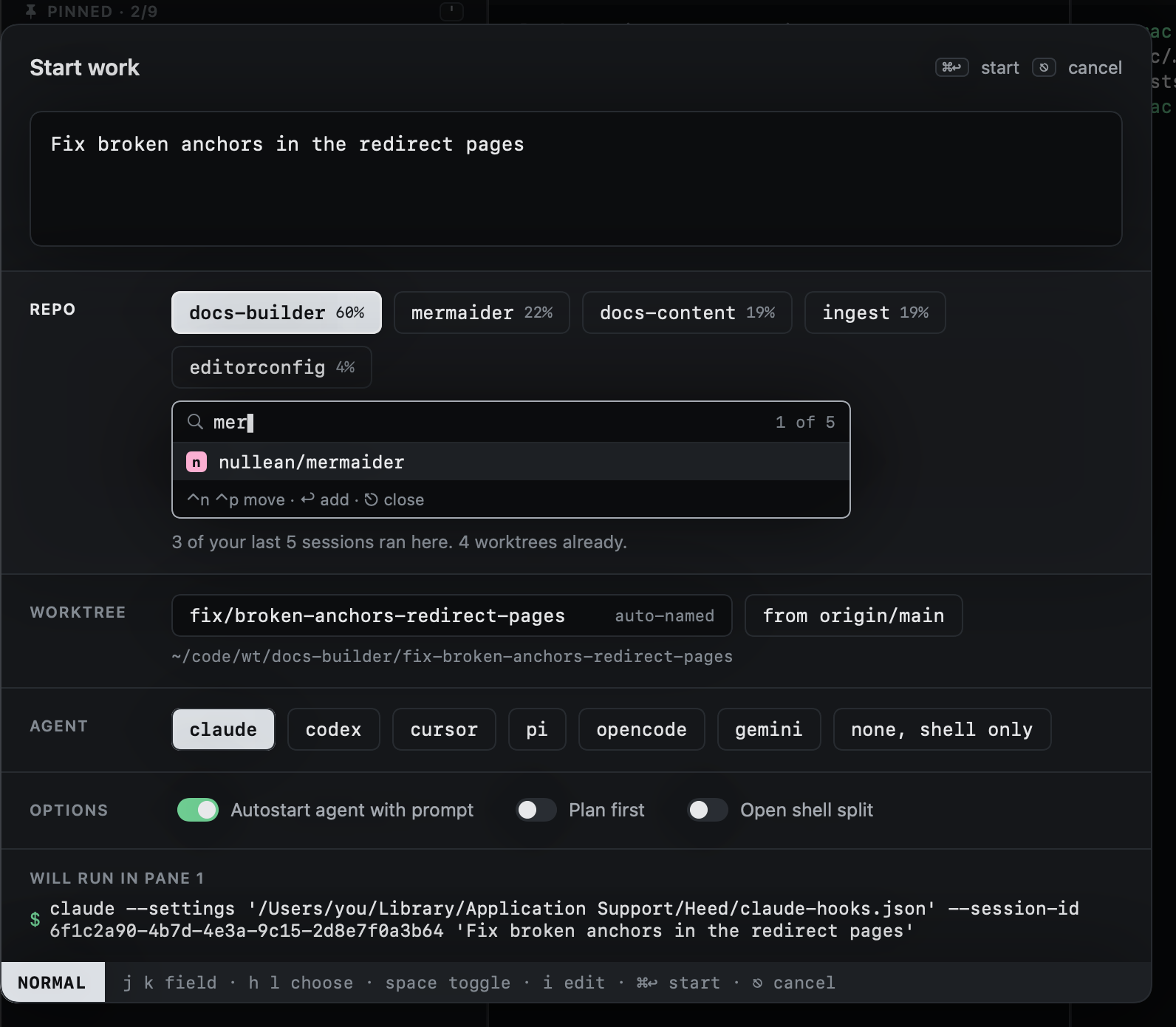
Choosing repos
As you type, Heed ranks your repos and selects the best guess, only that one: each selected repo gets a worktree, so a second is always yours to add. Each guess shows how sure it is, and the line under the chips says why:
- The prompt names it: the strongest signal (
… in docs-builder). Whole names only, and not inside a link or anorg/repo#12reference: those point at an issue, not at where the work happens. - Words in common with the repo's name.
- Recent sessions ran there.
- Worktrees already: repos you work in most rank higher.
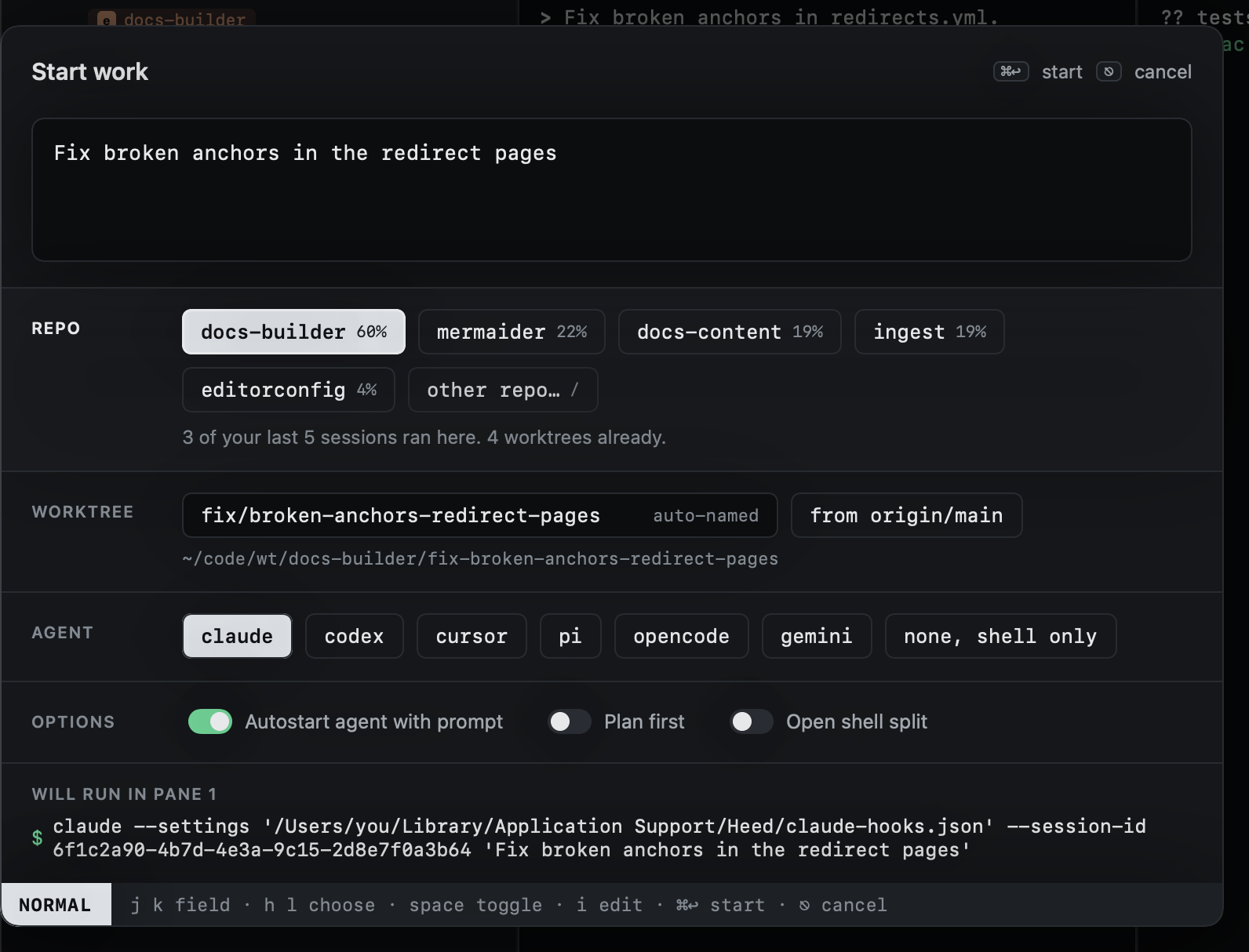
Move to the repo field (⎋ then j) and use h l to move between chips and space to add or remove one. More than
one repo makes a cross-repo session: a worktree in each, on the same branch. ⌃n ⌃p cycle which one is primary.
When none of the guesses is right, the last chip, other repo…, opens a search over every repo (or press / on the
repo field). Type to narrow, ⌃n ⌃p to move, ↩ to add it. It then keeps a chip of its own.