
Hosts over Tailscale
When this Mac is on a Tailscale tailnet, gH lists the tailnet's machines that are not hosts yet under On your tailnet, each with the machine's system, whether the machine is online, and a Tailscale SSH badge when the machine runs Tailscale SSH. ↩ on a machine adds it as a host:
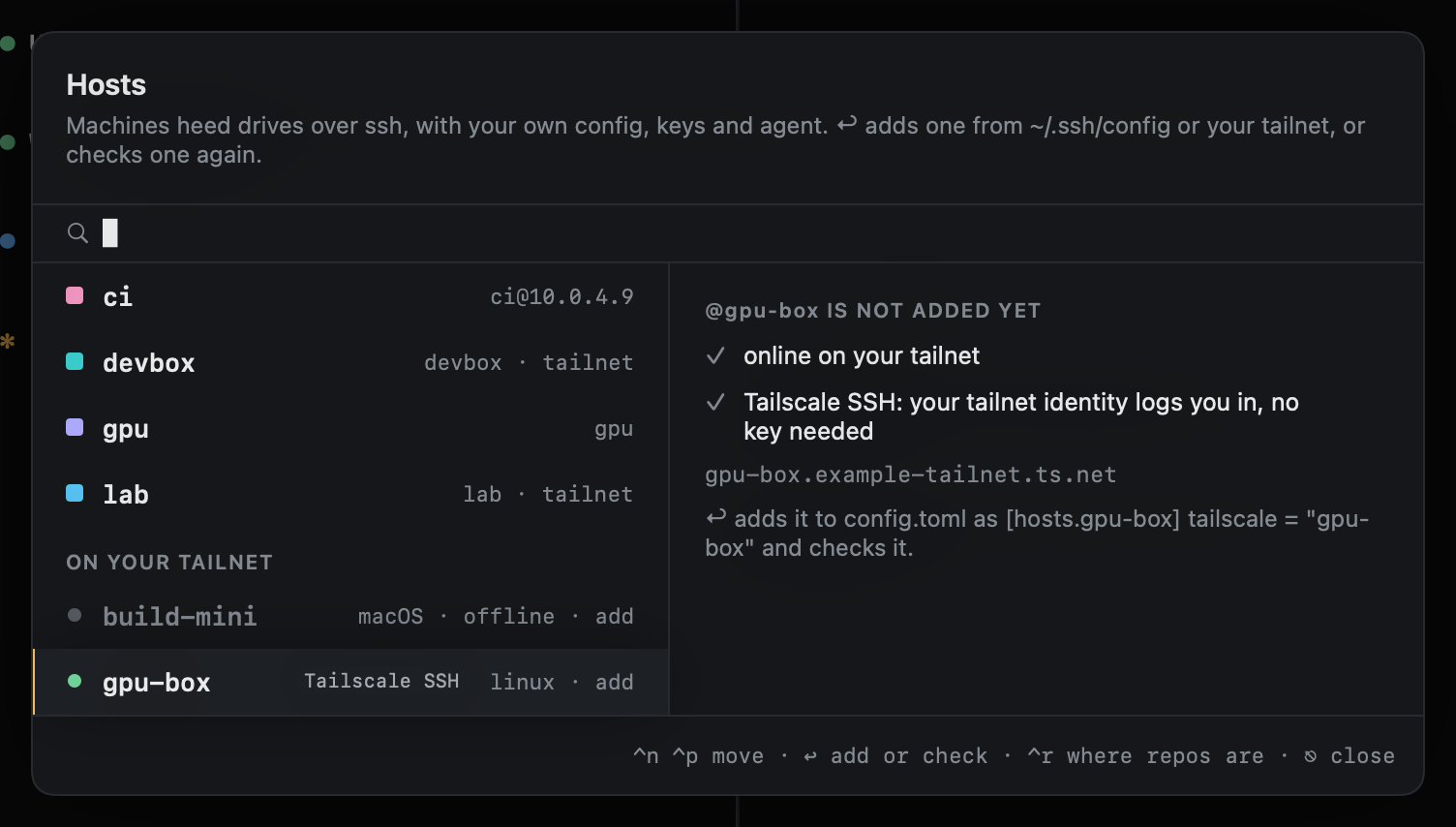
[hosts.gpu-box]
tailscale = "gpu-box"
# user = "you"
- the machine on your tailnet
- who to log in as, when no ssh alias says so
A machine running Tailscale SSH needs no key of yours: your tailnet identity logs you in, and heed checks the
machine's host keys against the ones your tailnet publishes, the way tailscale ssh does. Heed reaches a machine without Tailscale SSH over the tailnet too, by its MagicDNS name, with your own keys and known_hosts. Heed looks up the machine's key under the name you connected with (your ssh alias, or the machine's name), so a key you already accepted still counts.
Heed prefers the tailnet. A host whose ssh alias or name matches a machine on the tailnet (its machine name or hostname, ignoring case) goes over the tailnet, so an existing [hosts.devbox] starts using the tailnet as soon as devbox joins it.
Your alias stays what ssh connects to, pointed at the machine's MagicDNS name, so ~/.ssh/config's User and
IdentityFile still apply. Heed skips a ProxyJump there, since the tailnet already reaches the machine. To keep a
host off the tailnet:
[hosts.devbox]
transport = "ssh"
- ssh | tailscale
Heed finds the tailscale command on your PATH or inside the Tailscale app (Settings > General shows which, and
[tools] tailscale sets it). The checks say what stands in the way:
| Check | Means |
|---|---|
| Tailscale is not installed | brew install --cask tailscale, or the Mac app from tailscale.com |
| Tailscale is off | Turn it on from the menu bar, then ↩ |
| Sign in to Tailscale | ↩ opens the sign-in page |
| Tailscale SSH wants you to confirm | The machine's check mode wants you to confirm your identity: ↩ opens the page |
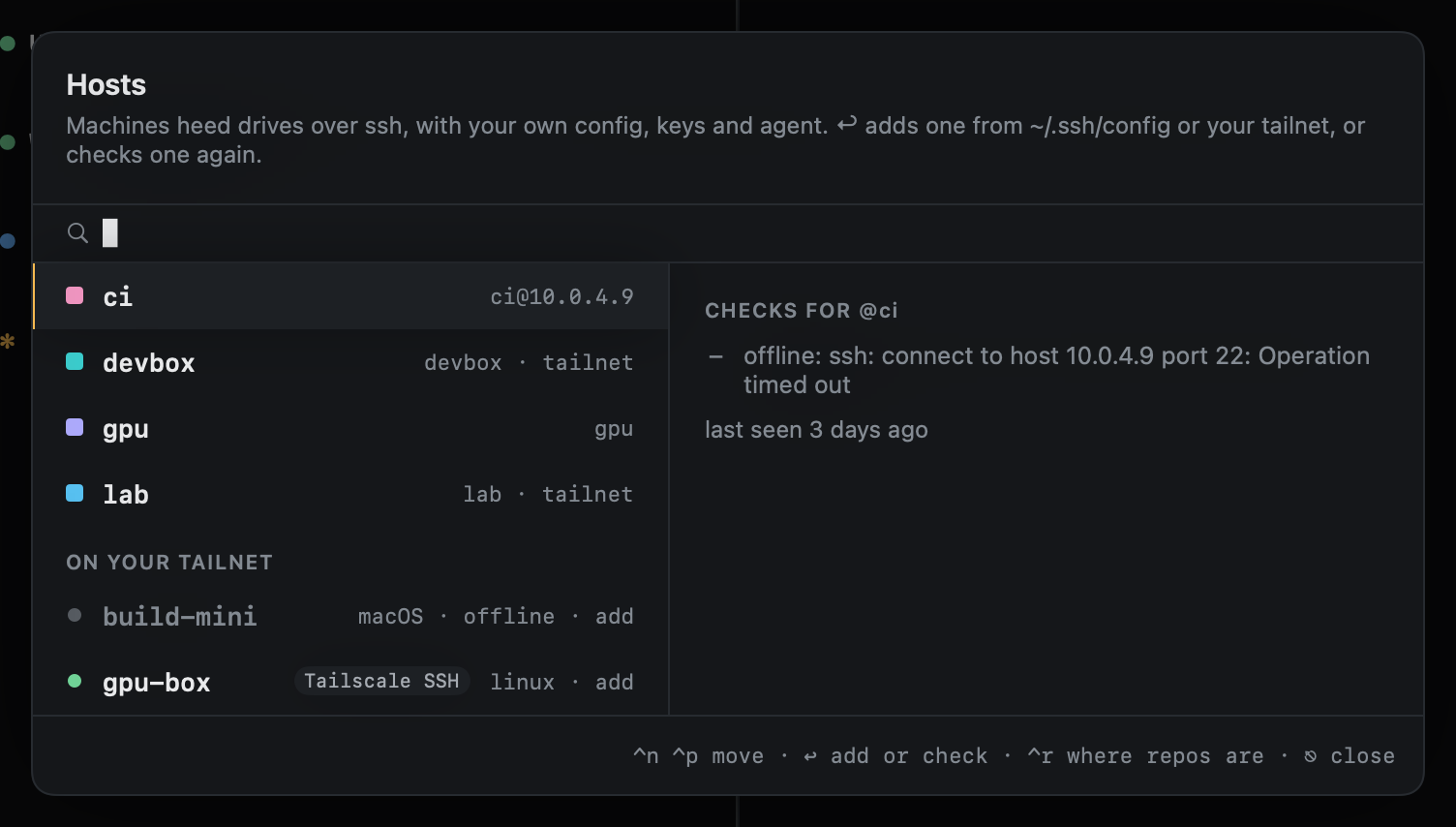
| offline on your tailnet | Tailscale says the machine is offline; heed does not try ssh, and shows it stale |
An offline machine shows grey in the list, and the check for an offline host says why:
Over the tailnet the pane strip says how the link goes, with its latency: direct · 12 ms when traffic goes straight to the machine, via relay fra · 48 ms through one of Tailscale's relays (its region), or via peer relay through a machine of yours. A relay works, just slower, and the link usually turns direct once the two machines find a path.